Inspections and Audits
The Inspection Workflow
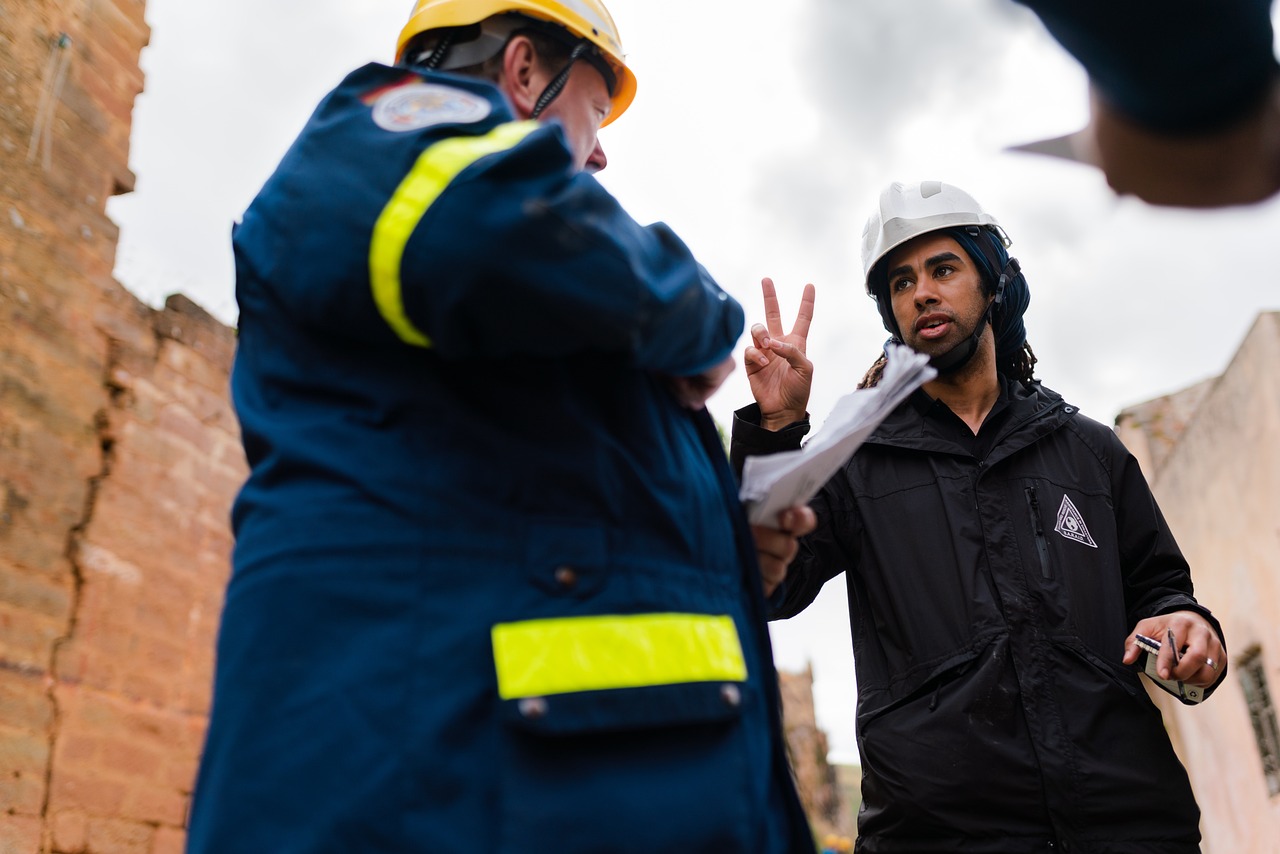
Inspections are the final quality gate before a project is handed over. After assets have been installed, an inspection flow lets your quality assurance team verify that every item was installed correctly, in the right location, and matches the approved design.
Plotstuff inspection flows combine the floorplan view with photo documentation, making it easy for inspectors to compare the installed result against the original design. Any issues can be flagged directly on the flow, creating a clear punch list for remediation.
Creating an Inspection Flow
- 1
Open the Flows panel and click + Create New Flow.
- 2
Select Inspection as the flow type.
- 3
Name it clearly (e.g. "Post-Installation QA — Level 2").
- 4
Enable SVG Uploads so inspectors can compare the expected design.
- 5
Enable Asset Photos for inspectors to document their findings.
- 6
Share the flow link with your inspection team.
Conducting the Inspection
Inspectors access the flow on their mobile device or tablet while on-site. For each asset, they can:
- Pass the asset if it is correctly installed and matches the design. - Fail the asset and add notes describing the issue (wrong location, incorrect artwork, damage, etc.). - Upload photos showing the current state of the asset for documentation.
All inspection data syncs in real time, giving the project manager a live view of which assets have passed, which have failed, and which are still pending inspection.
Schedule inspections floor by floor rather than trying to inspect the entire building at once. This produces more thorough results and makes the punch list more manageable for remediation teams.
Handling Failed Inspections
When assets fail inspection, they appear in a remediation list that the project manager can review. Each failed asset includes the inspector's notes and photos, providing clear guidance on what needs to be corrected.
After remediation work is completed, you can create a follow-up inspection flow to re-inspect only the previously failed assets. This creates a complete audit trail showing the original issue, the corrective action, and the final sign-off.
Inspection results and photos are permanently stored as part of your project record. They are included in project exports and can serve as evidence for contractual handovers and compliance documentation.
Related Articles
Workflows
Installation Tracking
Track the installation progress of your assets with dedicated flows. Installers can update statuses and upload photos from any device.
Workflows
Understanding Flow Statuses
Learn what each flow status means — Draft, Active, Complete, and Archived — and how flows progress through these stages.
Exports & Reports
Exporting PDF Reports
Generate professional PDF reports of your floorplans with asset markers, schedules, and bills of quantities in multiple paper sizes.